



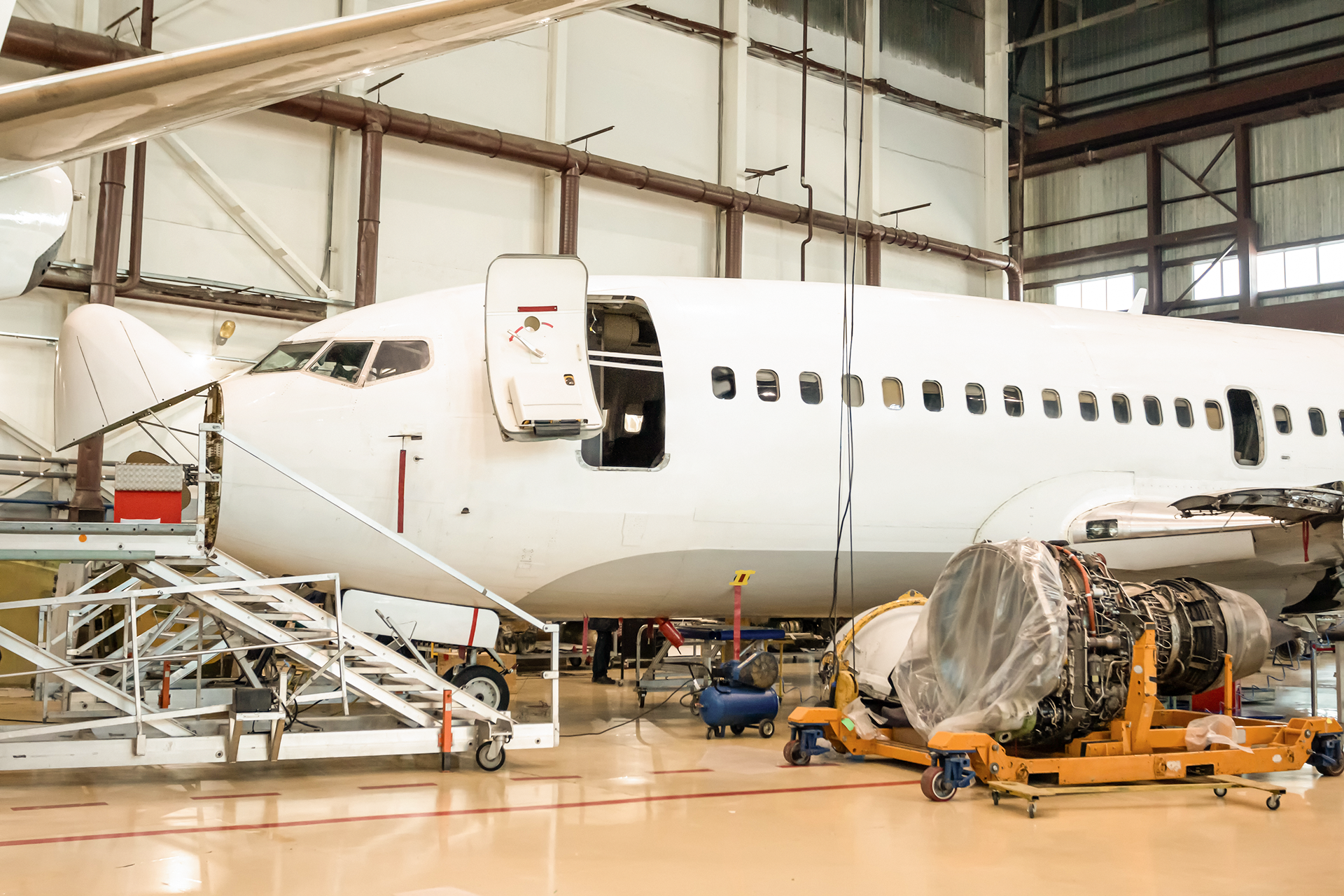
Creating Faster and More Accurate Aviation Repair Quotes
In the dynamic and highly regulated world of aviation maintenance, quoting repair work swiftly and accurately is no longer a competitive edge—it’s a necessity. Delays

Using MRO Data Reporting and Dashboards for Better Decisions
The aviation industry is entering a new era of maintenance, as proactive, predictive, and data-driven strategies can replace reactive repairs. In this high-stakes environment, where

Simplifying Billing with MRO Invoicing Software
In aviation maintenance, every labor hour, part used, and approval logged needs to translate into an accurate, auditable invoice. Yet, for many MROs, that’s where things

Simplify Broker Payments and Speed Up Cash Flow with MRO Invoicing Software
An average aviation broker wastes 15+ hours per week chasing high-value, complex payments! If you are an aviation parts broker, you understand the challenge: a
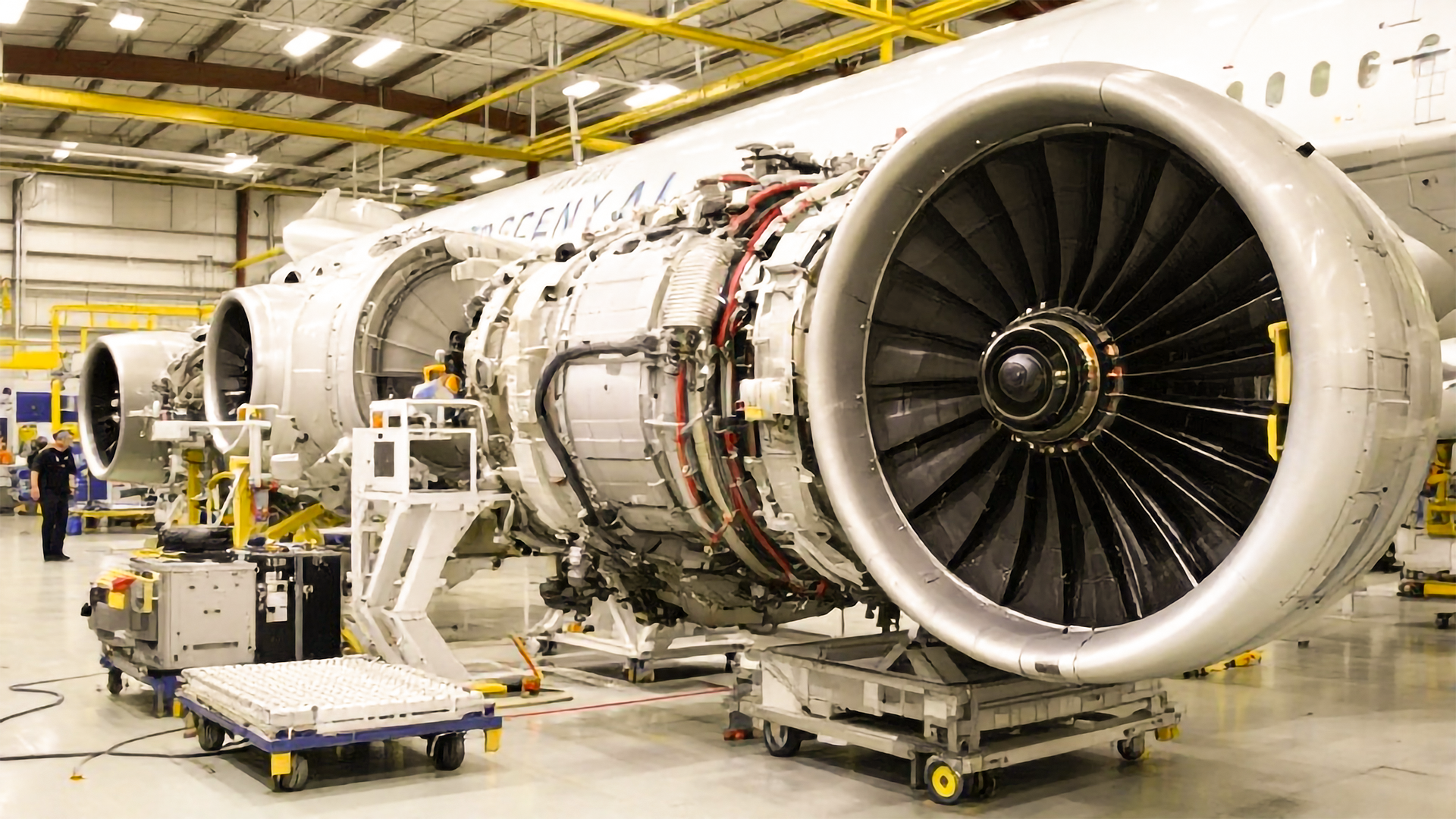
Aviation Parts Brokers & ERP Solutions: The Complete Guide to Efficiency and Growth
Within the fast-paced and highly competitive environment of aviation aftermarket trading, aviation parts brokers serve as an important link between Original Equipment Manufacturers (OEMs), Maintenance

The Role of PAS Aviation ERP in Improving MRO and Parts Trading Procurement Process
Procurement in aviation is no longer just about issuing purchase orders. For MROs and parts traders, it’s a core driver of operational efficiency, compliance, and

Why It’s Important to Plan Tech Transitions Before Year-End
Why It’s Important to Plan Tech Transitions Before Year-End (and How Power Aero Suites Saves Time & Money) Every aviation business hits that year-end rush.

Aviation Accounting Software: Streamlining Finance for Aviation, MROs & Brokers
The global aviation industry is soaring to new heights, with the International Air Transport Association (IATA) projecting revenues to exceed $1 trillion in 2025 for the first

ERP Integration for Flight Ops: How AI ERP Makes Airlines Work Smarter
The aviation industry in 2025 stands at a crucial turning point. While growth is accelerating, operational complexity remains a formidable challenge. According to the International Air Transport